
Run the restaurant. Let OPSAVOR read the paperwork.
OPSAVOR turns the invoices, sales reports and delivery slips a restaurant already has into one set of books, and plugins turn those books into figures, reminders and a plain-language daily brief. These pages show you how to use it, and how OPSAVOR staff set up and look after every customer's copy.
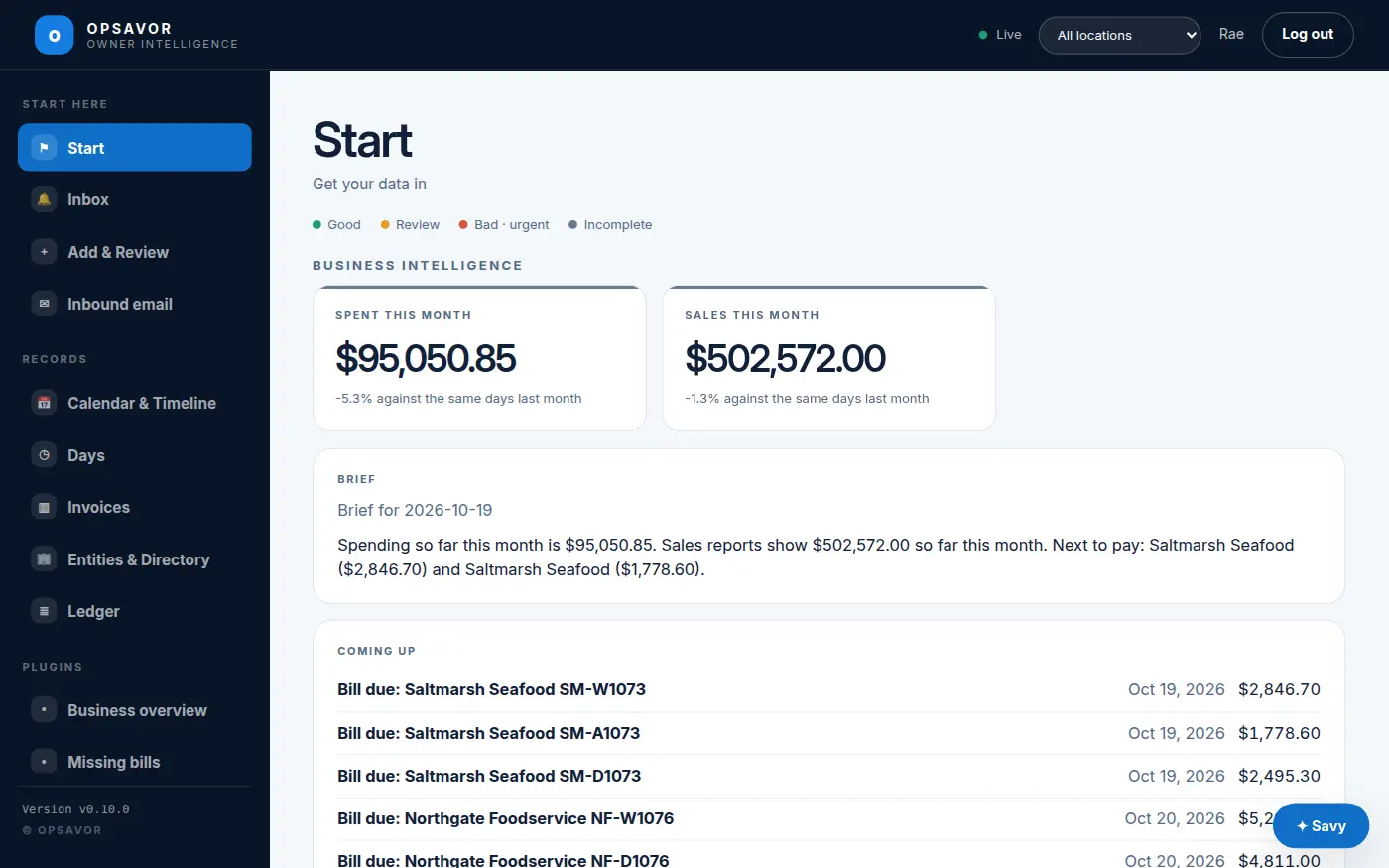
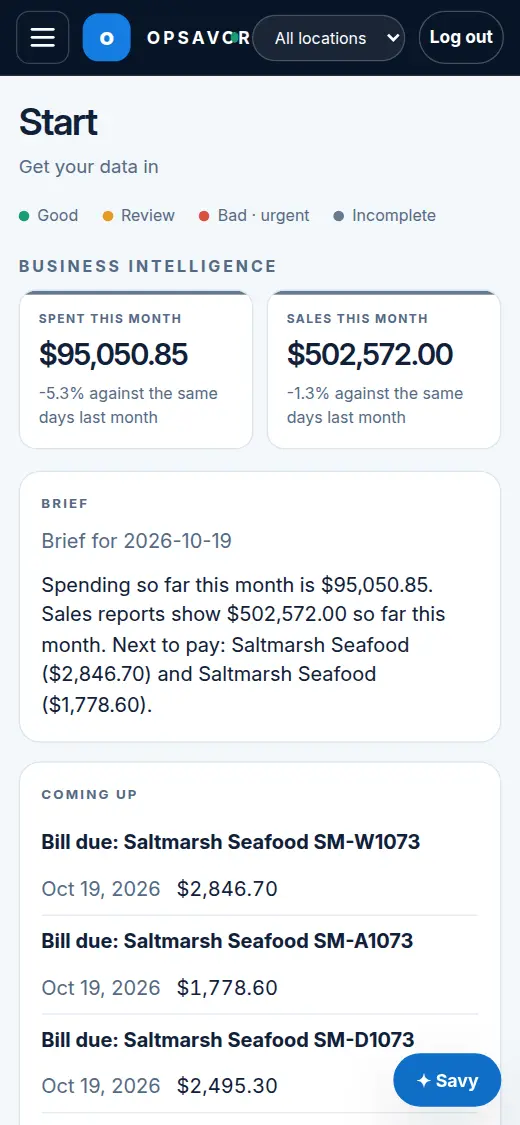
Understand the beta, the sample-data demo and what is planned. These guides describe the Foundation beta; they are not a promise that every preview feature is available.
Using OPSAVOR
For restaurant owners, managers and their teams.
- Getting started
- Beta, demo and planned features
- Signing in
- Adding documents
- Reviewing and confirming
- and more →
Plugins
Add-ons that turn your records into figures, lists and reminders, and how to build your own.
- Plugins: how they work
- App Store
- Business Intelligence
- Missing bills
- Supplier price watch
- and more →
For OPSAVOR staff
For OPSAVOR staff who set up and look after customers.
- The fleet console
- Onboarding a customer
- Releases and rollouts
- Plugins and the store
- Developing and promoting plugins
- and more →
What OPSAVOR does, in three steps
1. Get your documents in
Upload a file, snap a photo, scan a page on your phone, or just email it to your restaurant's own invoice address.
2. A person confirms
OPSAVOR reads each document and shows you what it found. Nothing counts toward your numbers until someone confirms it.
Connect the picture to the next decision
Start with confirmed sales, then review how they could inform menu and prep decisions. See the planned sales-to-prep workflow with a worked sample. It is an explanation of the direction, not an available beta feature.
Good to know
- Every customer has their own copy. One restaurant company's information is never mixed with another's.
- Works on a phone. Everything in the product, and these pages, is built to be used one-handed in a kitchen or a delivery bay.
- Read-only by design. OPSAVOR reads and reports. It does not send orders, pay bills or change anything in your other systems.
Tell us what to fix
These pages are for you. If something is missing, wrong or hard to follow, send us feedback. The restaurant or client name and the platform version are optional, and a person reads every message.