
Home › Plugins
Missing bills
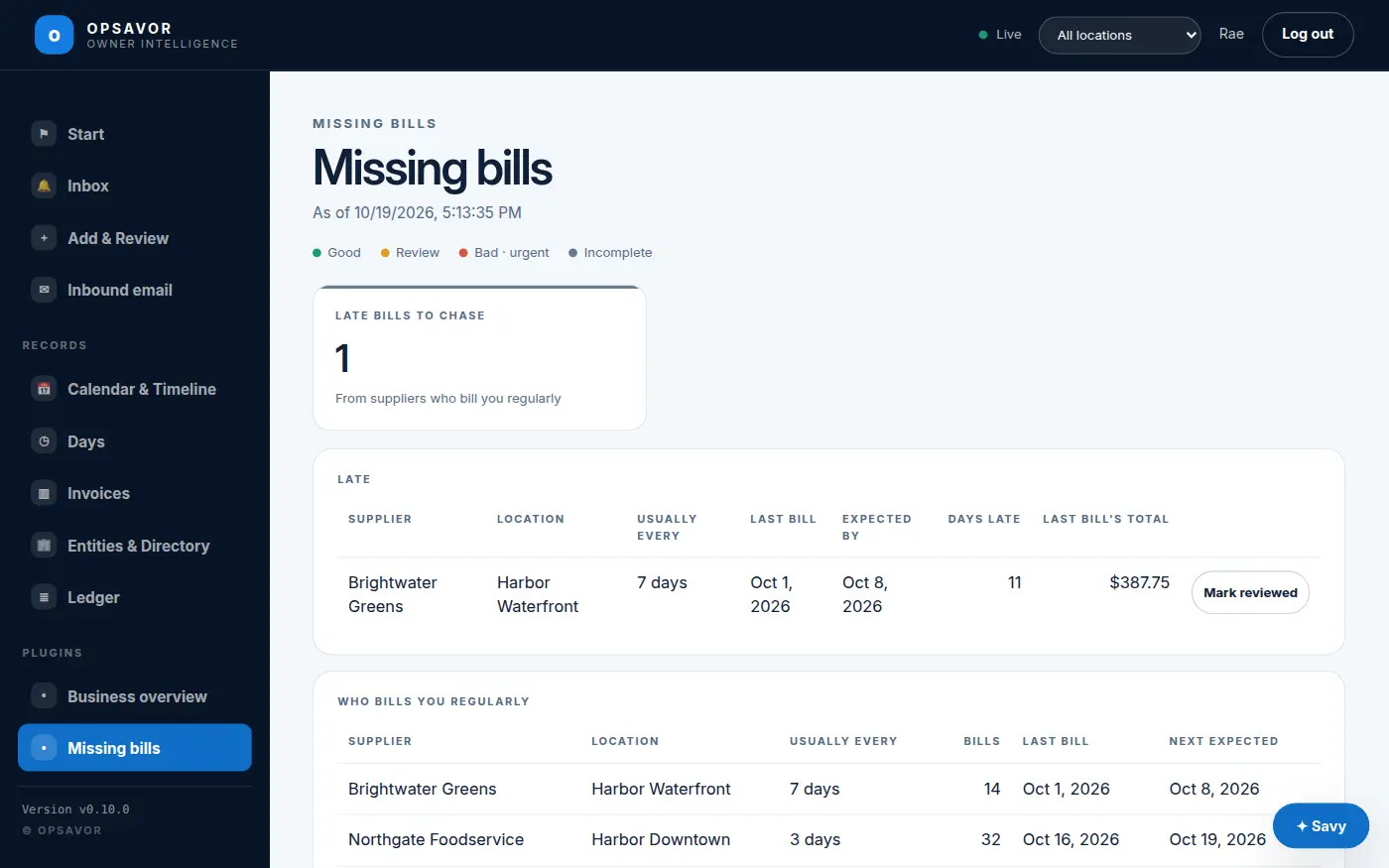
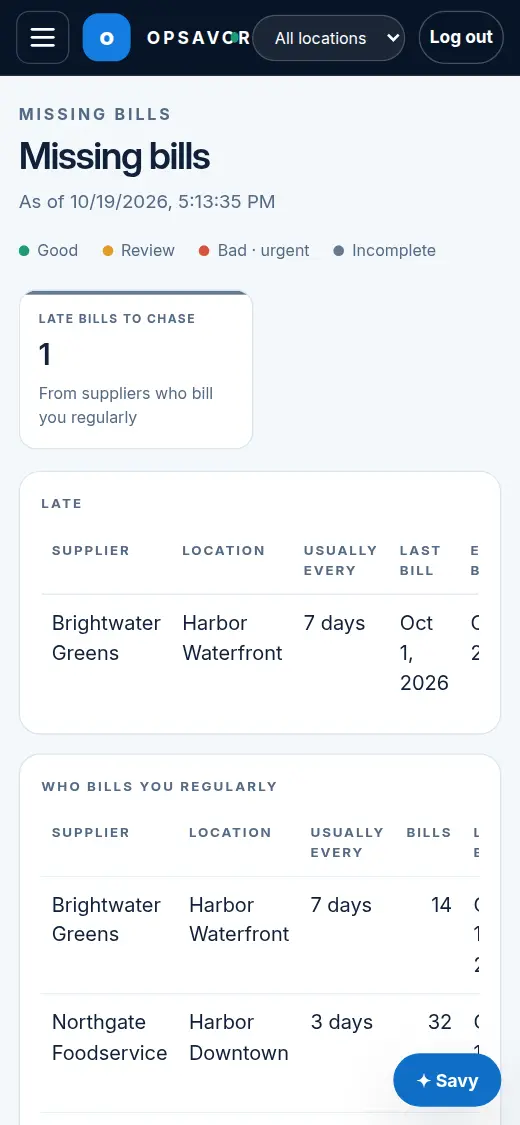
Tells you when a supplier who bills you regularly has not sent their usual bill, so your costs are not quietly understated.
A bill that has not arrived is spending you cannot see. Until it comes, this week's costs look lower than they really are. Missing bills learns how often each supplier bills each of your locations and tells you when the next bill is late.
How it decides
- For each supplier at each location, it looks at the days they billed you over the last six months.
- Their usual rhythm is the typical gap between those bills: every 7 days, every 14, once a month.
- The next bill is expected that many days after the last one. Once it is more than the grace days late (3 by default), it is on the list, and you get a notice in the app.
Suppliers who bill irregularly, or less often than every 35 days, are left out rather than guessed at. A supplier that stops billing one restaurant shows as late there, even if your other restaurants still get their bills.
When you have dealt with it
Ask the supplier for the bill and upload it: the row goes by itself. If nothing is owed this time (a week they did not deliver), press Mark reviewed. It folds away until the next bill is late. See Mark reviewed.
Settings
Days of bills to learn from (180), bills needed before a supplier counts as regular (4), only suppliers who bill at least every so many days (35), days of grace (3), and when to check each day (08:00).
Needs platform v0.14.0 or later. It reads your dated records, what they say, how they connect, and organisations; it posts notices in the app and has its own page.