
Home › Plugins
Statement check
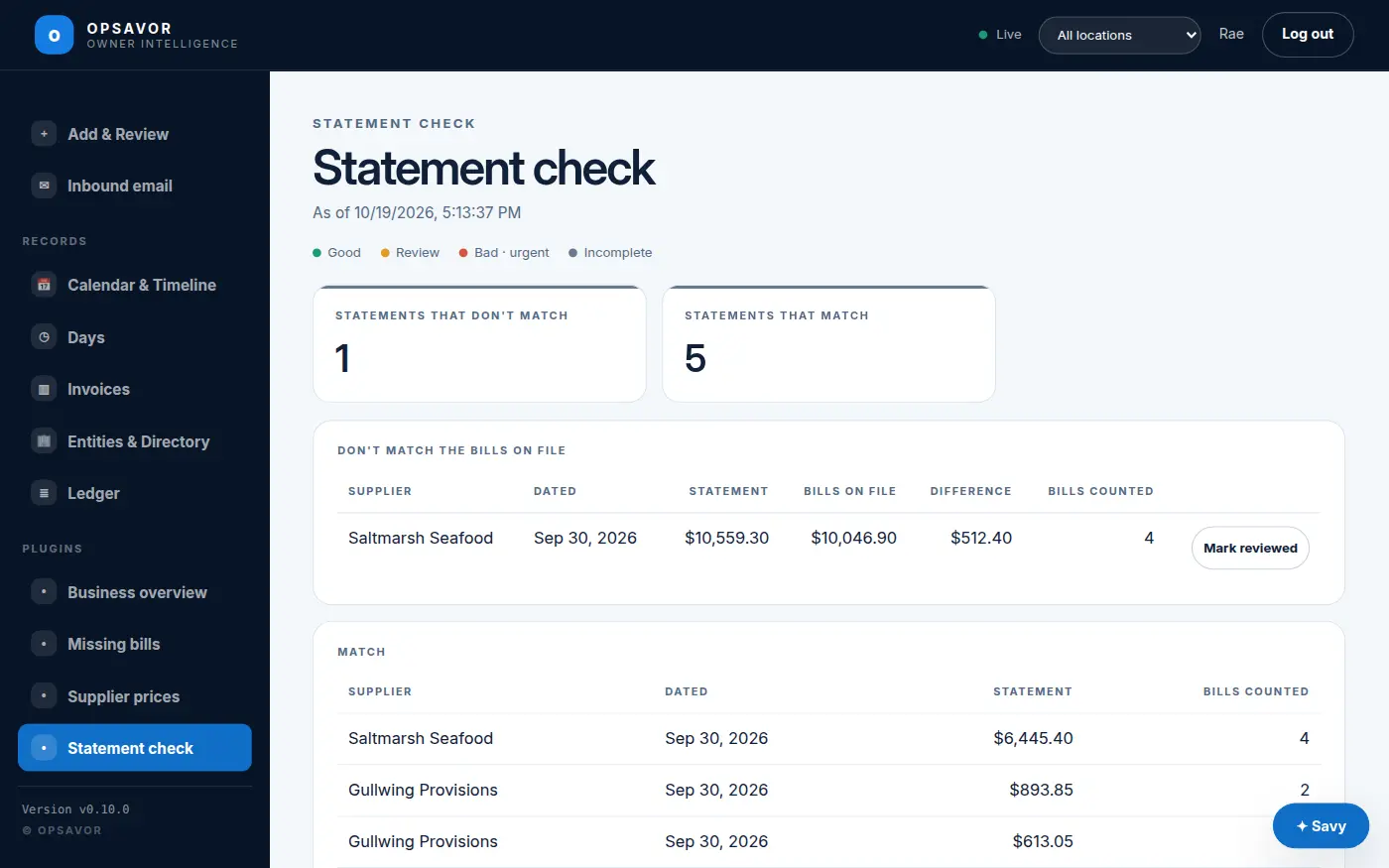
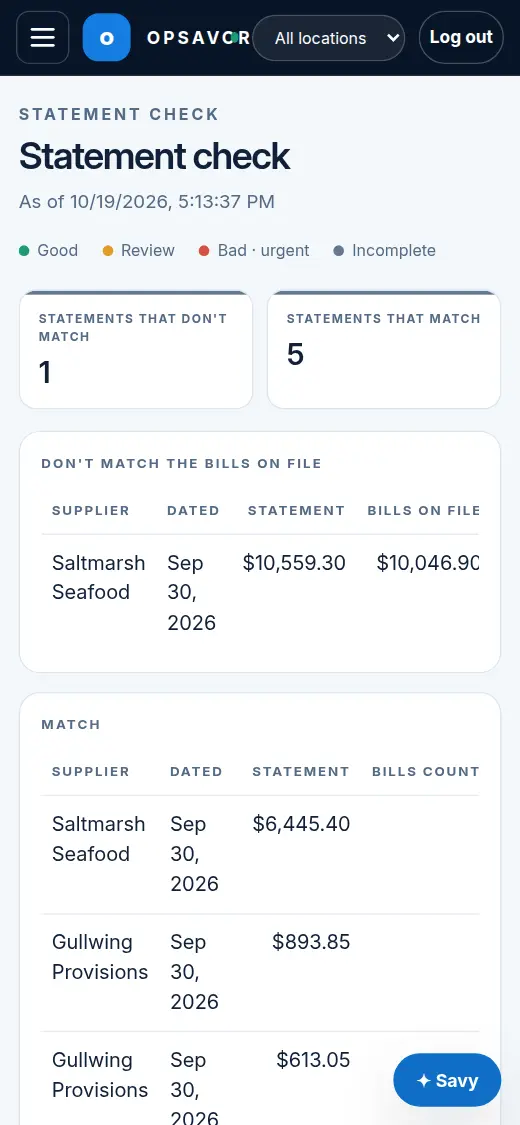
Checks each supplier statement against the bills you have from them, and shows the difference.
A supplier's statement lists what they think you were billed. Statement check adds up the bills and receipts you have on file from that supplier, at the same location, for the period the statement covers, less their credits, and shows the difference.
Reading the difference
- Positive: the supplier counts more than you have. Usually a bill you have not received or uploaded. Ask them for a copy.
- Negative: you have a bill they have not counted, or a credit is missing from their side.
- Differences up to $1.00 are ignored as rounding (Settings).
It reads a statement as the activity of its period: the dates the statement states, else its month up to its date. A statement that only shows a running balance (everything still owed) will not match. Mark it reviewed.
Needs platform v0.14.0 or later. You get a notice in the app when a statement does not match.