
Home › Plugins
Supplier price watch
Spots when a supplier charges a different price for the same item, and what the change adds to an order.
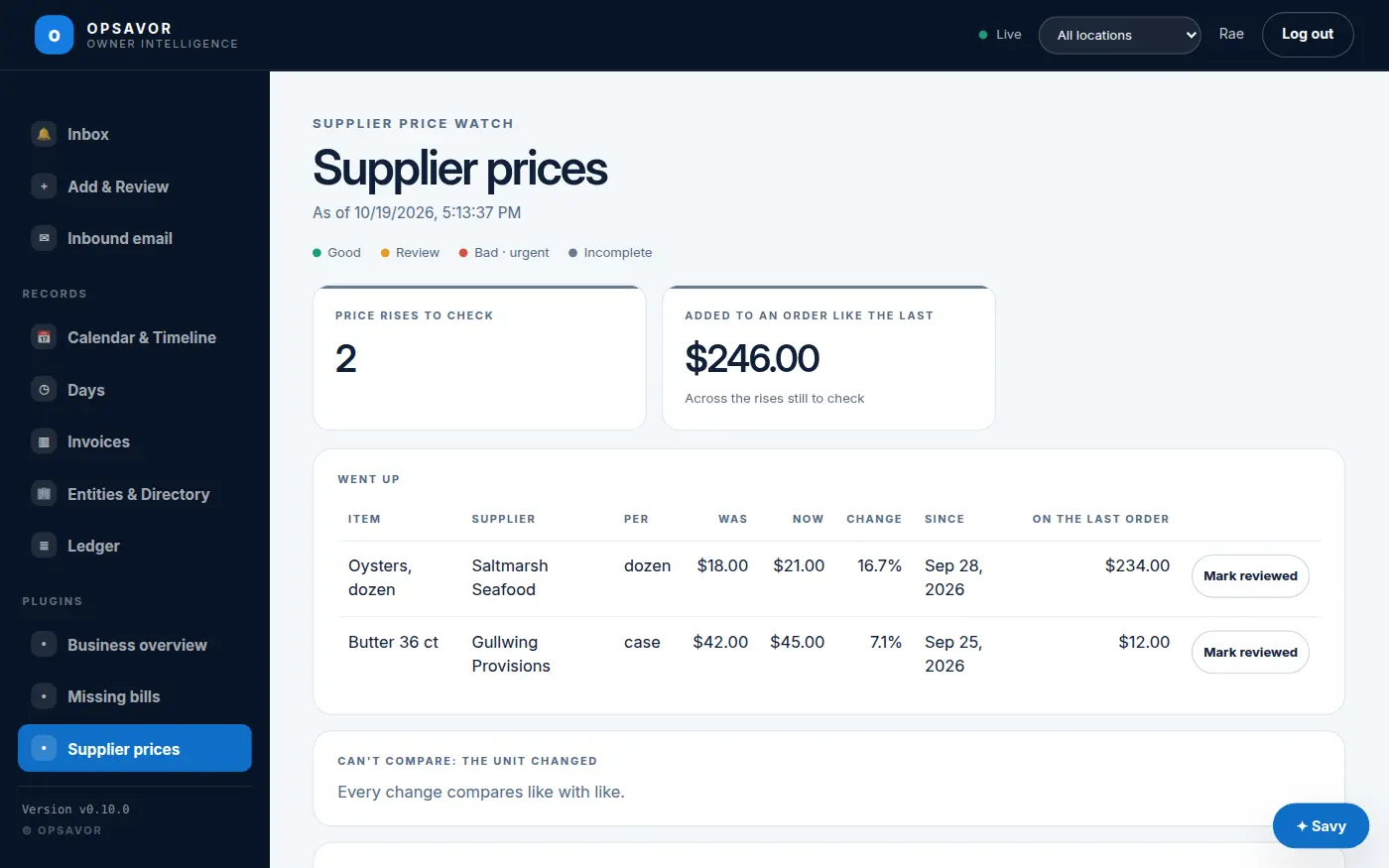
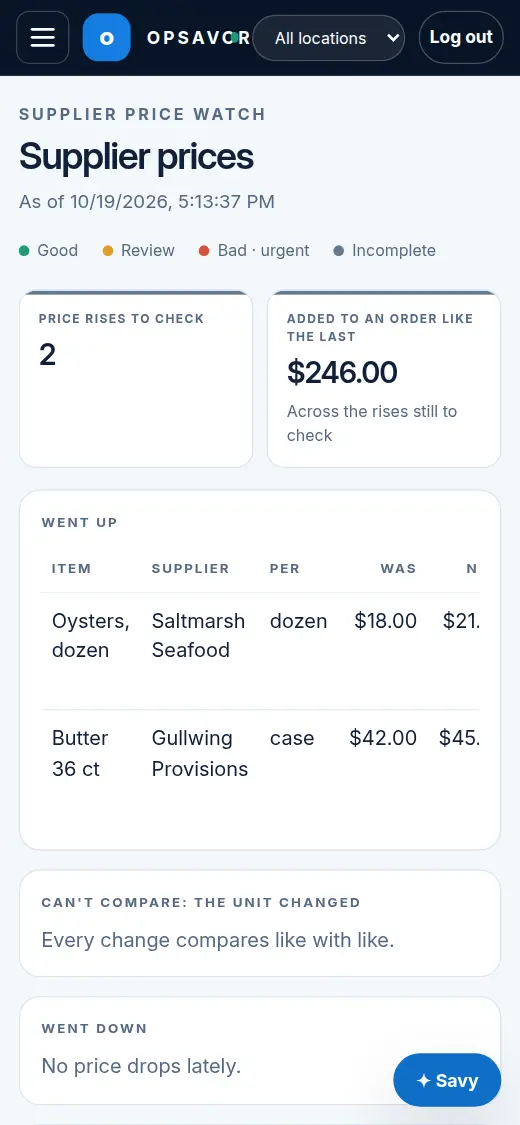
Supplier prices creep. Supplier price watch reads the lines of your bills and, for every item a supplier sells you, compares the latest price per unit with the last different price they charged. Changes from the last weeks are listed, with what each one adds to an order like the last one.
How it compares
- Per unit, like with like. A case of 6 is not a case of 12: when the unit on the bill changed, the item is listed under Can't compare: the unit changed instead of showing a rise. A bill that states no unit is taken to use the same unit as the other bill.
- The same item. By the supplier's item code, else by its description. If a supplier rewords a description, it starts again as a new item.
- Recent changes only. A change from more than 45 days ago is the normal price by now.
- A lower price is only a saving once the bills show it. Drops are listed separately.
Mark reviewed
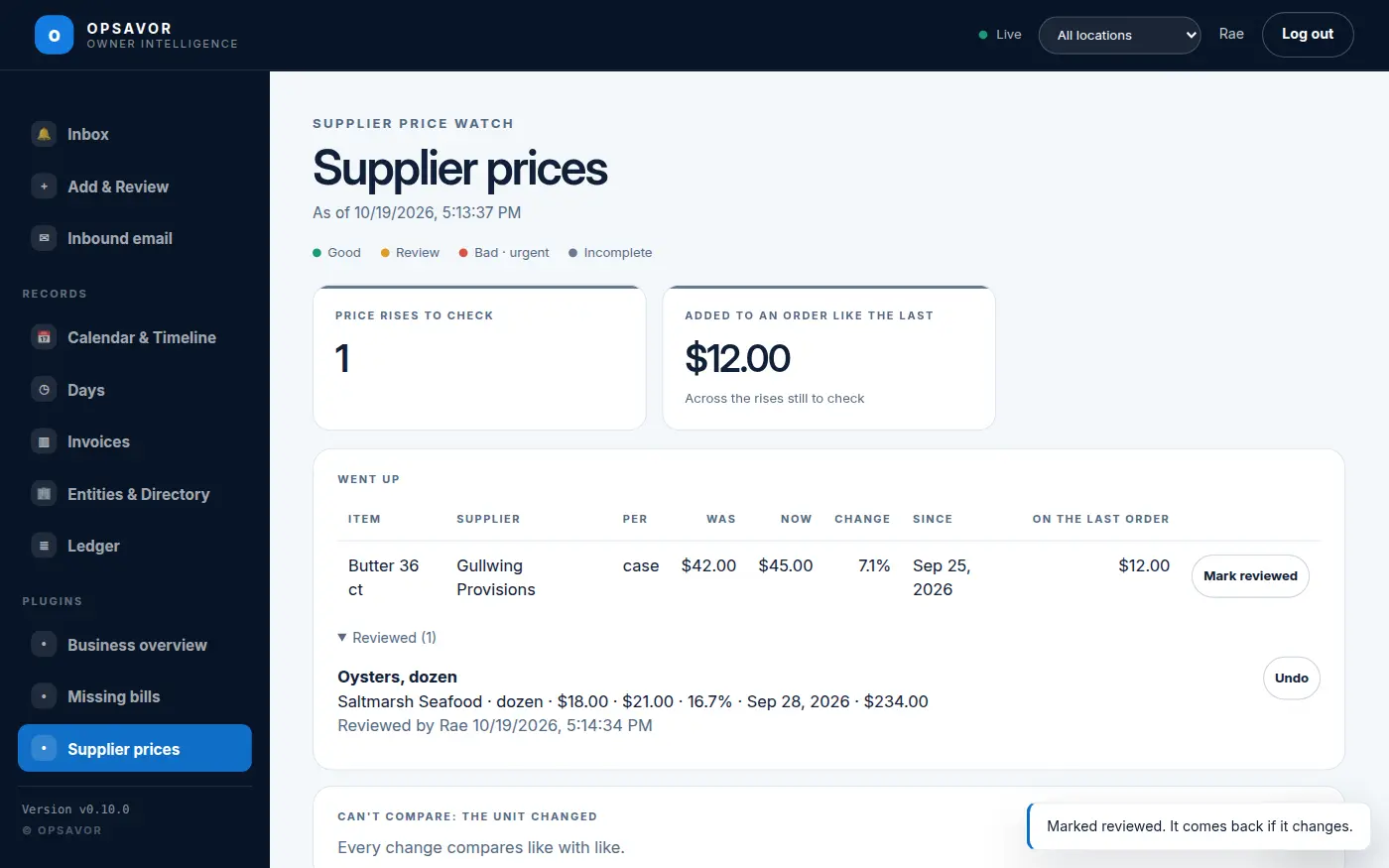
Once you have checked a rise (it was agreed, or you have asked for a credit), press Mark reviewed. It folds away with who and when. If the price changes again, it comes back.
Needs platform v0.14.0 or later, and bills read with their lines (supplier data files always have them). Settings: days of lines to compare (120), how recent a change must be (45 days), and the smallest change to show (3%).