
Home › Running the fleet
Plugins and the store
The plugin store in the fleet console: give a customer a plugin, choose its channel or version, take it away, and who is allowed to do what.
What the store is
A plugin is an add-on that turns a customer's own records into something useful: figures, a daily brief, reminders, a page of its own. The fleet console is the plugin store. It holds every published plugin version, signs each one, and keeps a list of which customers may run which plugin.
The store only offers. Nothing runs until the customer's owner approves, in plain words, what the plugin asks for. Staff cannot approve for an owner. The one exception is a dev tenant, where the store approves betas only.
The customer sees what they are entitled to in Manage → App Store. They can install an app there, then approve it on Plugins; installing is not approving. See the customer guide to the App Store.
For the engineers' side, see Developing and promoting plugins.
Give a customer a plugin
- Open the customer under Tenants, then the Plugins tab.
- Under the table, pick the plugin in the list and press Give. The list shows each plugin with its newest version. A plugin the customer already has is not listed.
- The customer pulls it at once if the console can reach it. If not, it picks it up within the hour. The console says which.
- The customer's owner sees it on their Plugins screen, with what it asks for, and chooses Approve and turn on.
Only give a plugin to customers whose platform release supports everything the plugin uses. On a release that is too old the plugin cannot run on the customer's side. Most current store versions need platform-v0.27.0 or later. Check the customer's version on their page, and see Releases and rollouts.
Plugin values
On a customer's Plugins tab, the Plugin values card lists what each installed plugin declares: a token for another system, a workspace name. It shows whether each is set, whether it is required, and when and by whom it last changed. Support and Ops can read this card. Only an Admin can set, replace or clear a value.
A value is sent straight to the customer's instance; the fleet console keeps no copy. A secret is write-only: it is never returned to the console, and it is left out of the fleet's audit detail, logs and database. The audit records the customer, plugin, key, whether it was secret, and who did it.
A test copy removes plugin secrets by design, so the card refuses there. Use the real customer, with their agreement, or a demo tenant for a test.
The Plugins tab for one customer
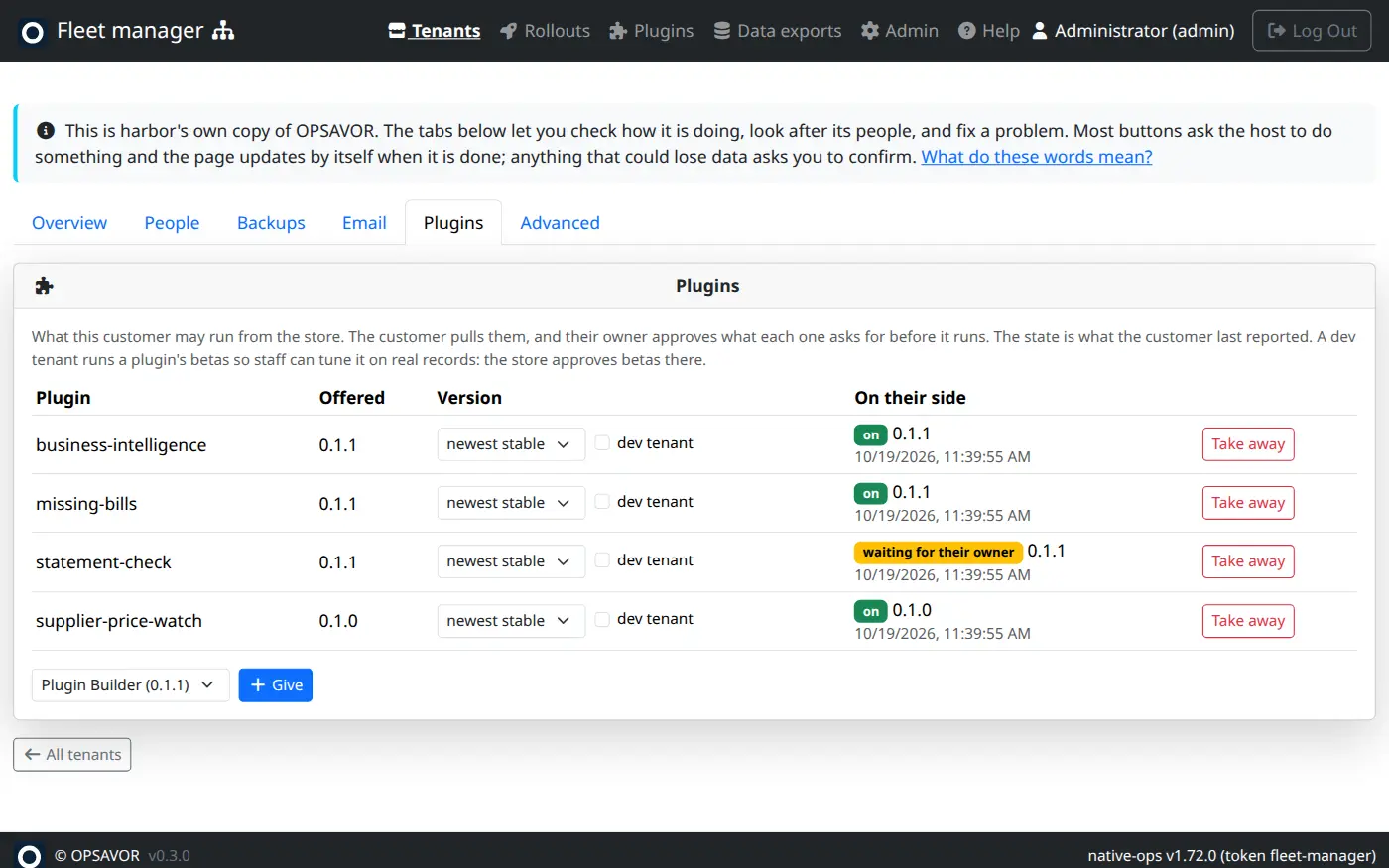
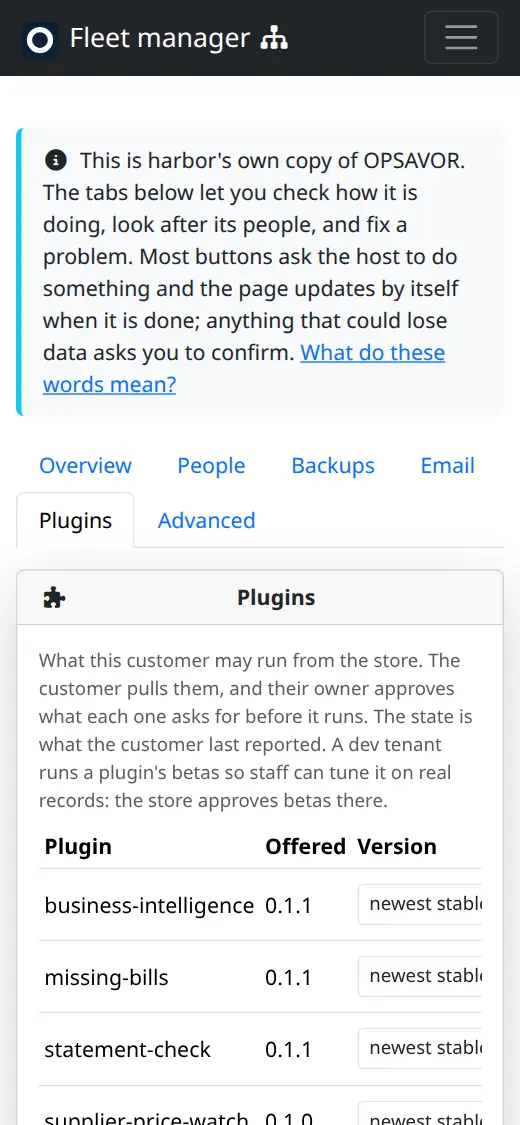
Each plugin you have given is a row.
| Column | What it shows |
|---|---|
| Plugin | The plugin's id. |
| Offered | The version the store currently offers this customer. |
| Version | A list: newest stable (the default), newest beta, or one exact version. An exact version pins the customer to it. A dev tenant tick box sits beside it (see below). A change saves as soon as you make it. |
| On their side | What the customer last told the console: on, waiting for their owner, turned off, failed (with the reason in red), taken away or not installed yet. Not pulled yet means they have not asked the store since you gave it. |
| (last column) | Take away: the plugin turns off on their side. What it already wrote is kept. You are asked to confirm. |
Channel and pinning
- Stable (newest stable) is for every customer. Each new
vX.Y.Zgoes to them. Their owner approves any upgrade that asks for more than before, and until then the approved version keeps running. - Beta (newest beta) gets
vX.Y.Z-beta.Nversions. Use it on a dev tenant, or for a customer who agreed to try early versions. Their owner still approves. - Pinning to an exact version holds the customer there while a problem is looked at. Pick newest stable again to let it move on.
Dev tenants
A dev tenant is a tenant where a plugin is developed on real records. Two things differ there. Every push to the plugin's repository also runs the plugin on that tenant's records. And a beta version is approved by the store, so tuning never waits for the owner. A stable version always waits for the owner, dev tenant or not.
The console asks you to confirm because the plugin will run on that customer's real records. Use a customer's tenant only with their agreement. A demo tenant, which holds made-up data, is the easy choice.
The Plugins page
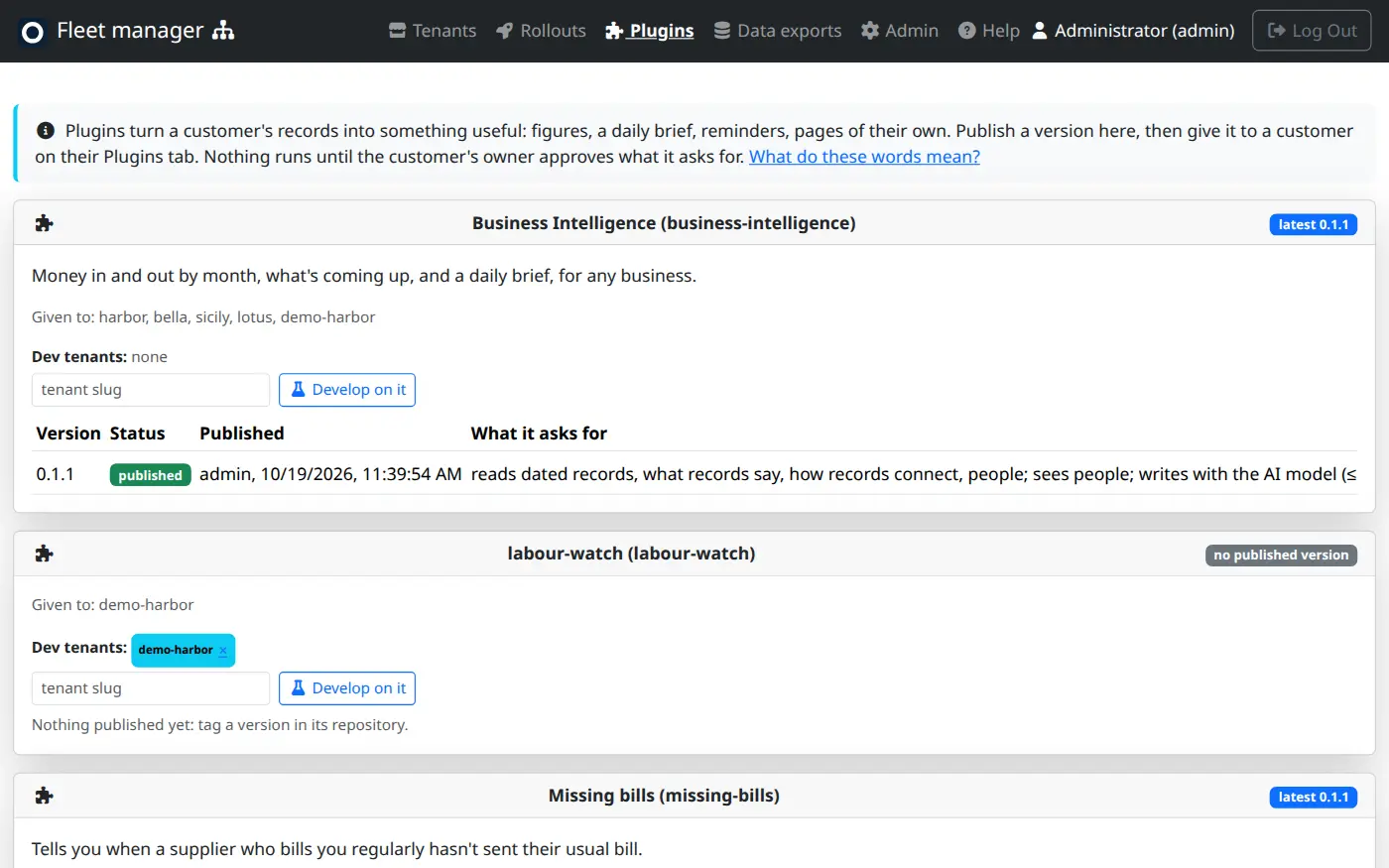
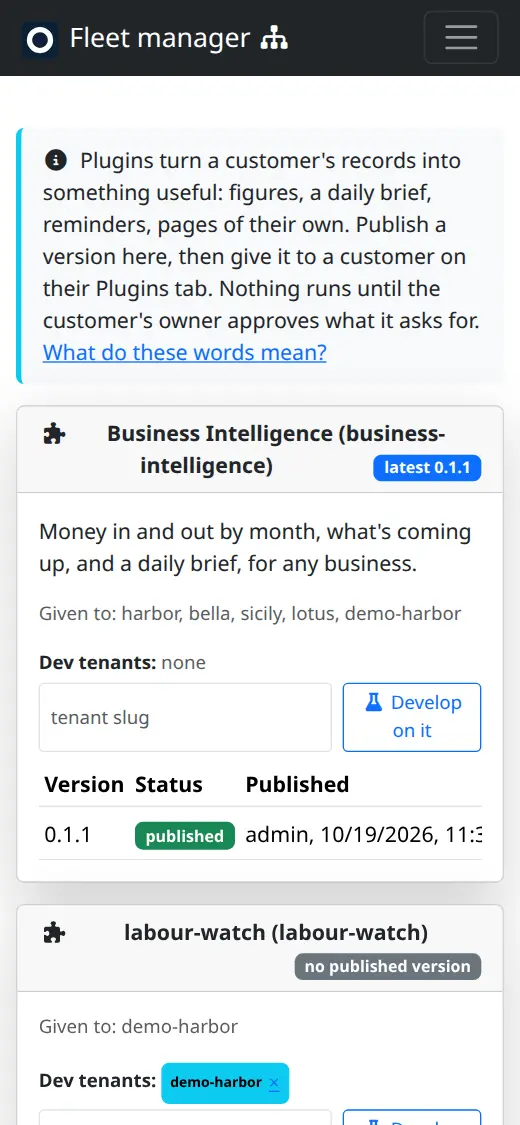
Open Plugins in the console's menu. Anyone who can see the fleet can look at it.
- One card per plugin: its name and id, a summary, and the customers it has been given to. A pill shows the latest version. The table lists each version with its status (published or retired), who published it and when, and what it asks for in short words.
- Retire on a version stops the store offering it. A version cannot be edited, so a fix is a new version.
- Dev tenants show as chips on the card. Each chip has a × to stop developing there. Type a tenant's name and press Develop on it to add one.
- Develop a new plugin is for a plugin with no version yet. Enter its id and a tenant, and press Start developing. Its repository's checks then run on that tenant's records on every push. See Developing and promoting plugins.
- Offered by customers lists plugins owners built in their own copy and offered to OPSAVOR. Only the plugin was sent, never their records. Start a repository makes a repository for it. Copy manifest copies it. Set aside declines it. An offer shows as new, repository started, set aside or withdrawn by the customer.
- Publish a version (admins only) publishes by hand from a pasted manifest. Normally you tag a version in the repository instead.
Who can do what
| You can | Needs the role |
|---|---|
| Look at the Plugins page, a customer's Plugins tab and the offers | Support, Ops or Admin |
| Give, pin, take away, change the channel, and add or remove dev tenants | Ops or Admin |
| Publish by hand, Retire a version, Start a repository, Set aside an offer | Admin only |
| Run a plugin on a customer's real records to preview it (the plugin repositories' checks do this with an admin token) | Admin only (the same right as impersonating) |
The Data role cannot see any of this. Roles are assigned in crew.