
Home › Using OPSAVOR
Reading your reports
Plugin insights and the daily Brief, your invoice notebook, the ledger and the day-by-day view: what each one tells you and where the numbers come from.
Everything here is built only from documents that someone has confirmed. If something is missing, the page says so, instead of guessing.
Insights and the daily Brief come from plugins
OPSAVOR no longer has a built-in Pulse or weekly Brief. Insight now comes from plugins. The Business Intelligence plugin shows money in and out by month, what is coming up, and a daily Brief written in plain language, with every figure checked against your records. Plugins show cards on Start and pages under Plugins in the menu. If you see none, no plugin is turned on for you yet: see Plugins and Beta, demo and planned features.
Invoices: the notebook
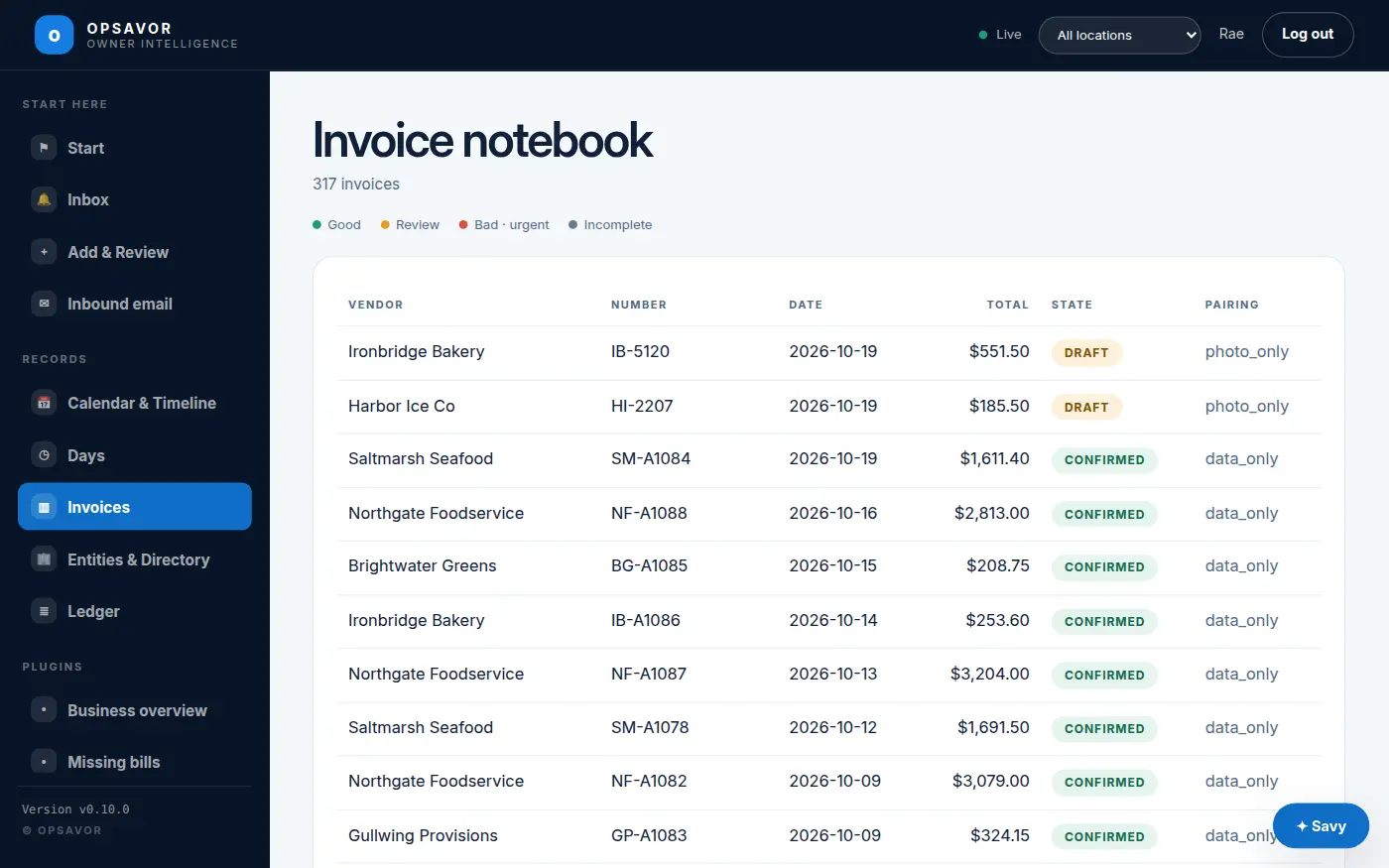
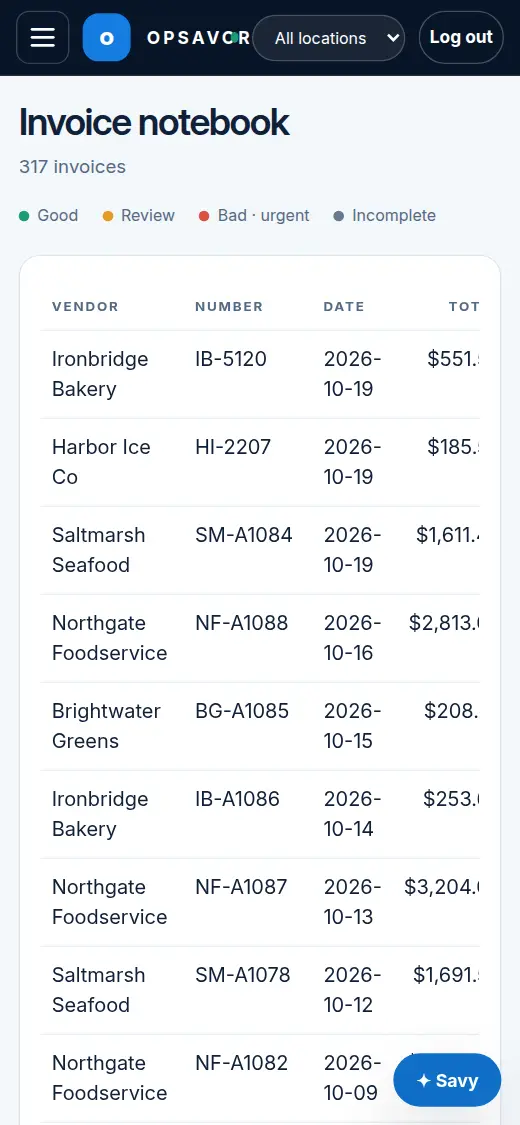
Invoices lists every confirmed vendor invoice: vendor, number, date, total and state. Click a row for the detail and the original document. It is the place to answer "did we get billed for that?".
Ledger: one set of books
When you confirm an invoice or a sales report, OPSAVOR posts it to a double-entry Ledger for you: an invoice becomes an expense against accounts payable, a sales day becomes sales, tenders and tax. You never type a journal entry unless you want to.
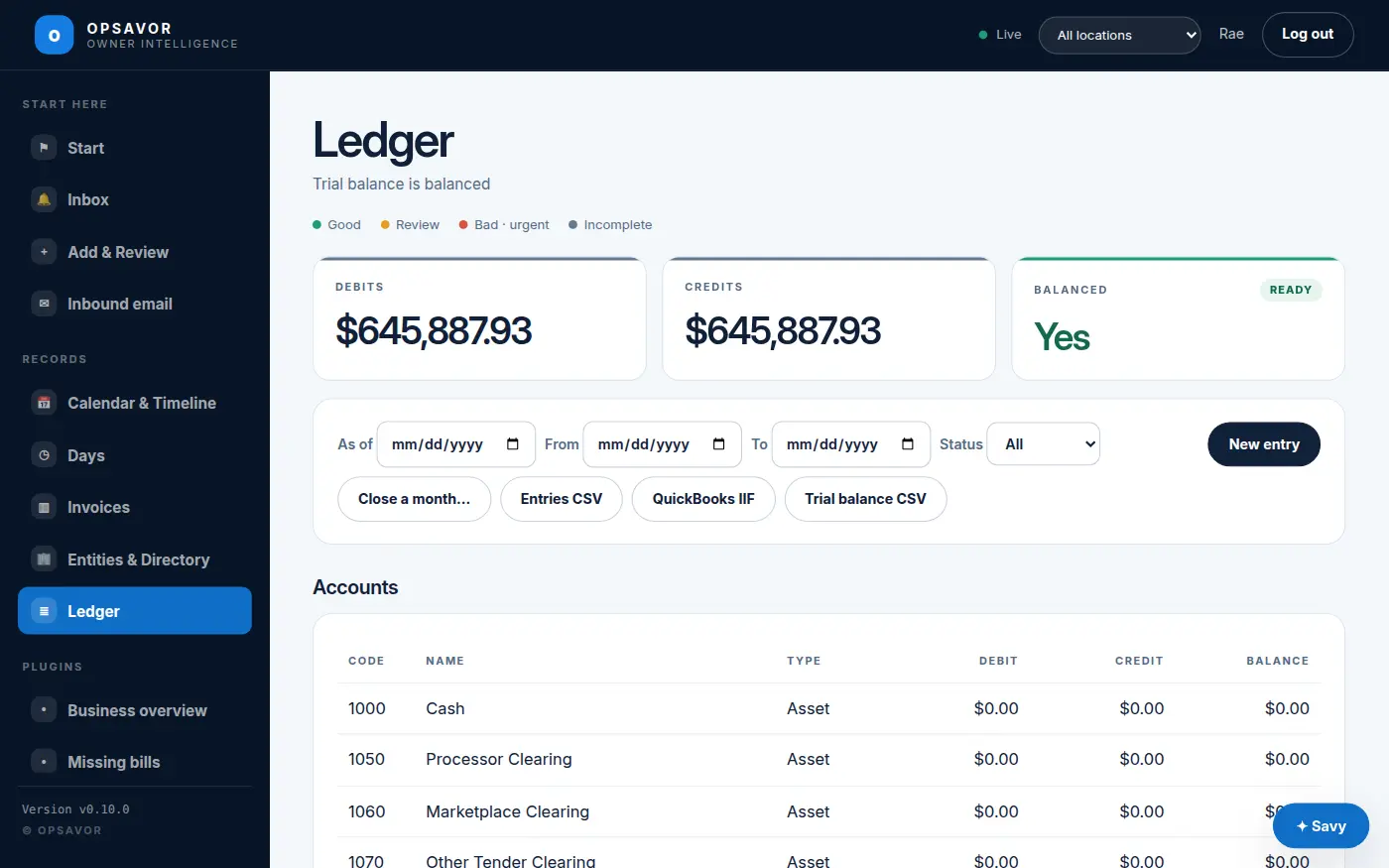
- The three cards at the top (Debits, Credits, Balanced) show the books agree. Balanced: Yes is what you want to see.
- Filter by date or status. Close a month closes the books for a finished month. Before it closes, OPSAVOR lists what is still waiting — for example draft invoices or sales days not yet booked — so you can fix them first. An owner can force a close with a reason, and reopen a closed month with a reason.
- Checks runs the cross-checks now: the trial balance, every journal entry, sales days, payroll, invoices and bank balances. Each check is pass, fail with the difference named, or cannot check when the records are incomplete. The same checks run nightly, and Start says when the books need attention.
- Balance sheet shows assets, liabilities and equity from the same ledger, with current earnings on the equity side. It is not a separate set of numbers to maintain.
- Export to take the books elsewhere: Entries CSV, Trial balance CSV, or QuickBooks IIF for your accountant.
- New entry lets an owner post a manual adjustment.
- An account that already has entries can be renamed, but its type cannot be changed, because that would quietly rewrite every past month. To move money between accounts, post an entry.
Days
Days checks one business day at a time (pick the date). For each location it says complete when every kind of report is in and the checks pass, or gaps with exactly what is missing or what disagrees, for example Missing: sales, payroll. Each location's business day starts at the time set in Settings (4:00 AM unless you change it, and it can be set to the minute, such as 4:01), so late-night sales count toward the day before.
The rest of the menu
Customers on the full view also have Overview, Orders (build and approve supplier orders), Receiving (record what arrived), Expenses, Recoveries (money you are owed back, like a vendor credit), Statements (check a vendor statement against your invoices), Tasks and Profit. Each opens with a one-line description of itself.
Calendar & Timeline and Entities & Directory show your confirmed records by date and by organisation. Banks is where bank connections are listed; each account also says whether its balance agrees with the transactions imported, or that there are not yet enough settled days to check. Plugins (owners) is where you approve and manage add-ons. Pages from plugins you use appear under Plugins in the menu. Each page opens with a one-line description of itself.