
Home › Using OPSAVOR
Your team and who can do what
Add the people who work with you, give each a role, and set or reset a password. The role decides what a person can see and do.
Adding a person
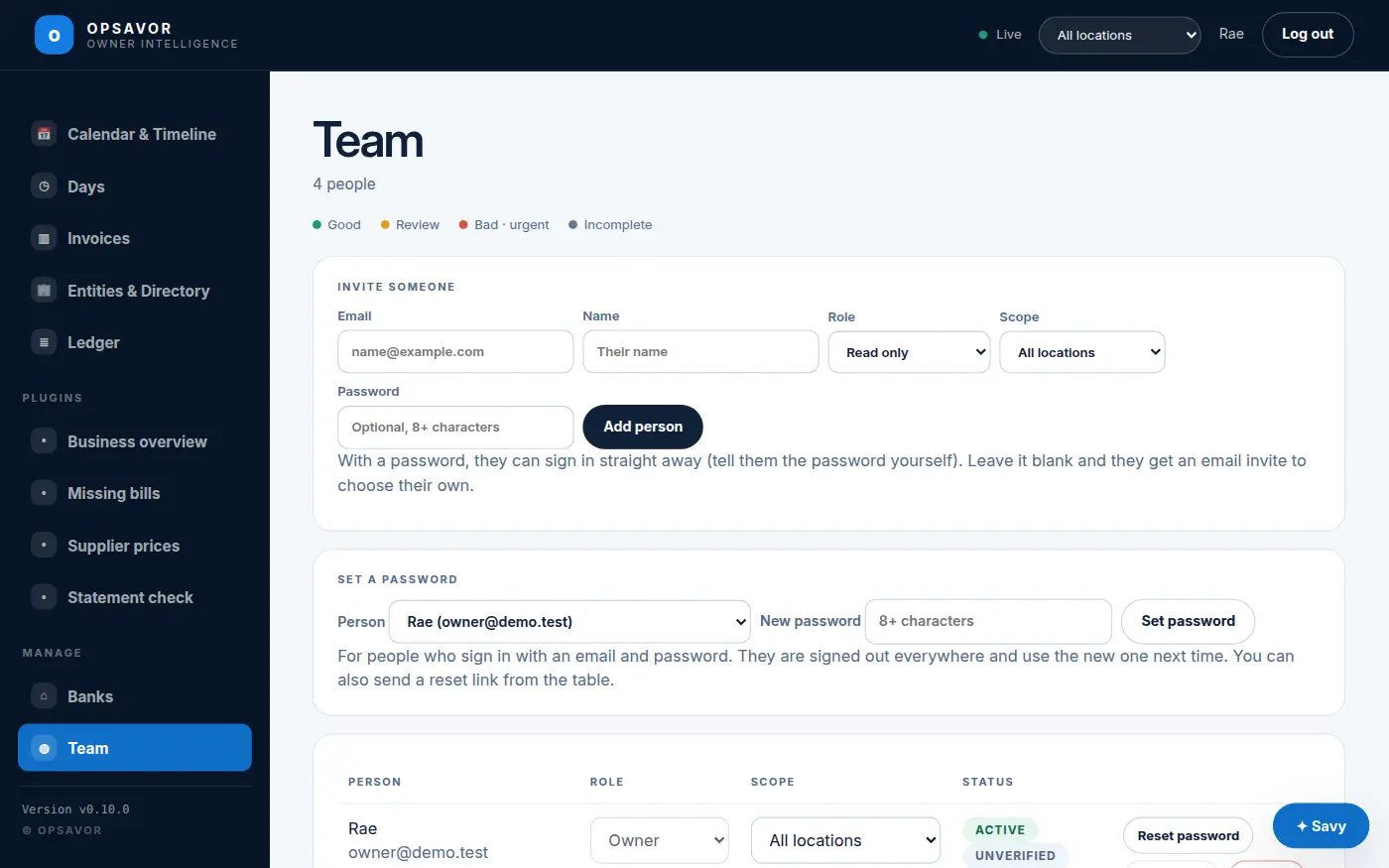
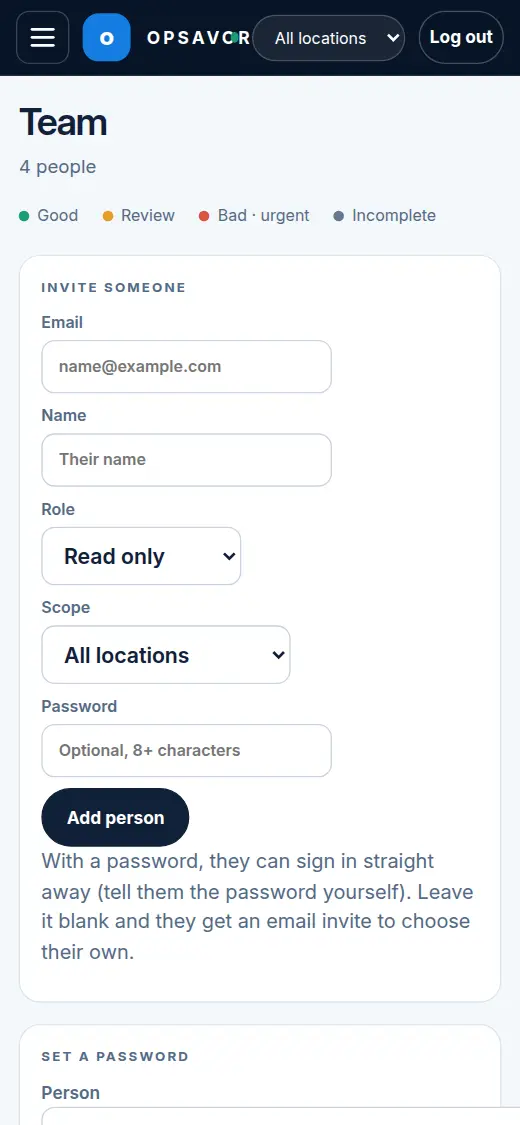
Open Team (it is there for owners). Under Invite someone enter their email, name, role, and which locations they can see.
- With Google, Apple or Facebook: if your company uses a social sign-in, the person signs in with that account — the preferred way, and they need no password at all.
- With a password (at least 8 characters): they can sign in straight away. Tell them the password yourself, in person or by phone.
- Without a password: they get an email invitation and choose their own.
Setting or resetting a password
Under Set a password, choose the person, type a new password of 8 or more characters, and press Set. This is only for people who sign in with a password. If your company uses Sign in with Google (the preferred way), a person needs no password at all — leave it unset and they sign in with Google.
Two-factor for owners and admins
Under Manage → Sign-in & security, an owner can require two-factor for owners and admins. When it is on, someone who can manage people must have an authenticator app or a passkey before they can invite, change or remove people. The rest of the app still works, so they can set it up without being locked out. Team shows who still needs it, and the security page shows how many recovery codes each of your own accounts has left.
Roles
A role is a bundle of permissions. Pick the smallest one that lets the person do their job.
| Role | Who it is for | Can |
|---|---|---|
| Owner | The restaurant's owner | Everything, including Team, Settings, rotating the invoice address, the ledger and Plugins (approving, turning off and building them). |
| Manager | A general manager | Add documents, confirm invoices, ask Savy, and mark plugin list items reviewed. Cannot approve or change plugins. |
| Accountant | Your bookkeeper | Look at the records, reports and plugin pages, and export data. Cannot change anything. |
| Read only | A partner or investor | Look at the records and plugin pages, and ask Savy. Cannot change anything. |
| Staff | Line staff | Nothing today. The tasks this role used to answer have been retired, so a Staff account sees no pages until it is given more. |
Plugins. Two capabilities matter here. Manage plugins (plugins:manage) is for owners: it opens the Plugins screen, where plugins are approved, turned off and built with Savy. Review plugin items (plugins:review) is for owners and managers: it allows Mark reviewed and Undo. Mark reviewed arrives with platform v0.14.0: see Beta, demo and planned features.
A person can also be limited to one location, so a store manager sees only their own store.