
Home › Using OPSAVOR
Settings and the invoice email address
Locations and when each one's business day starts, and your restaurant's invoice email address, including how to rotate it.
Locations
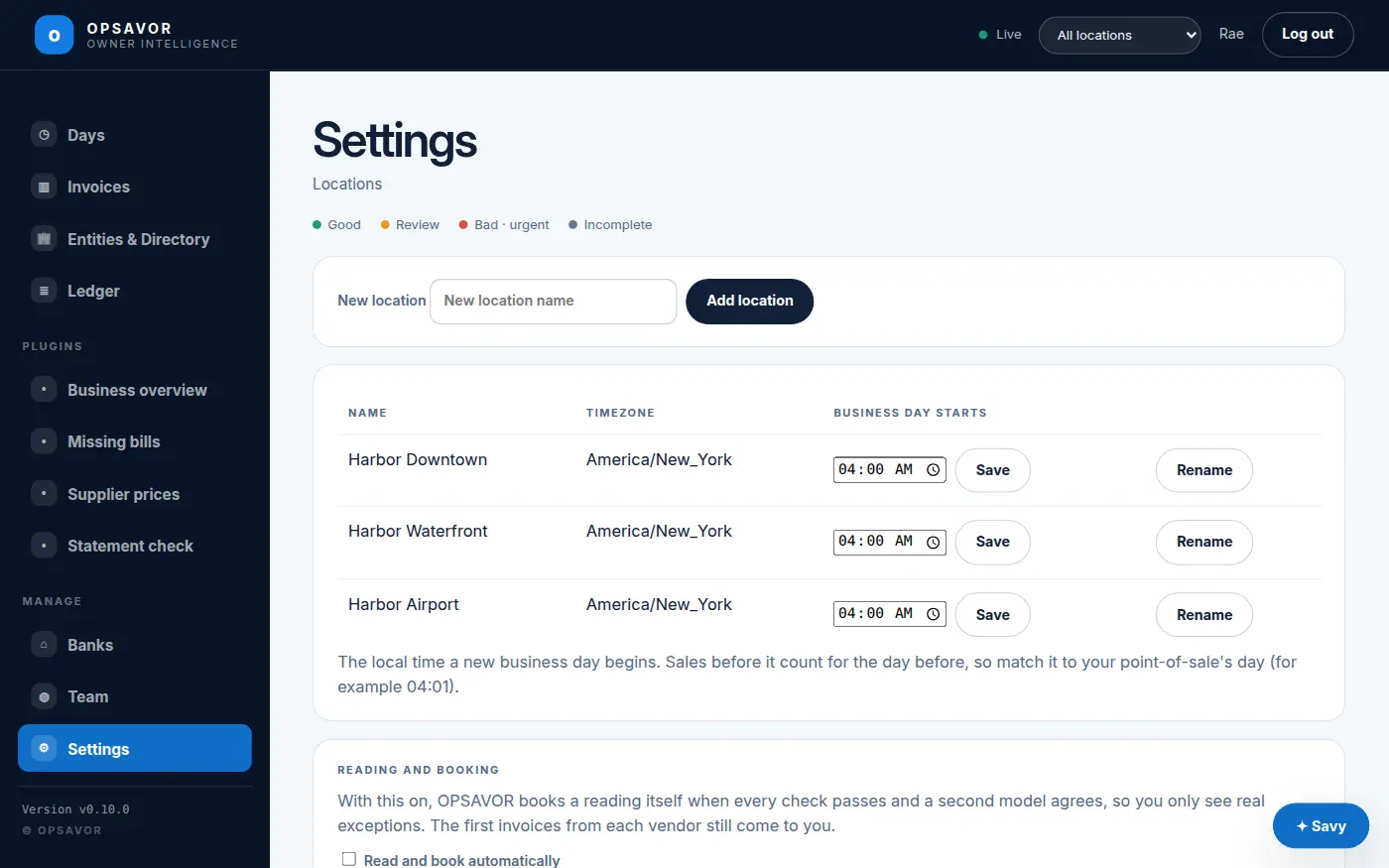
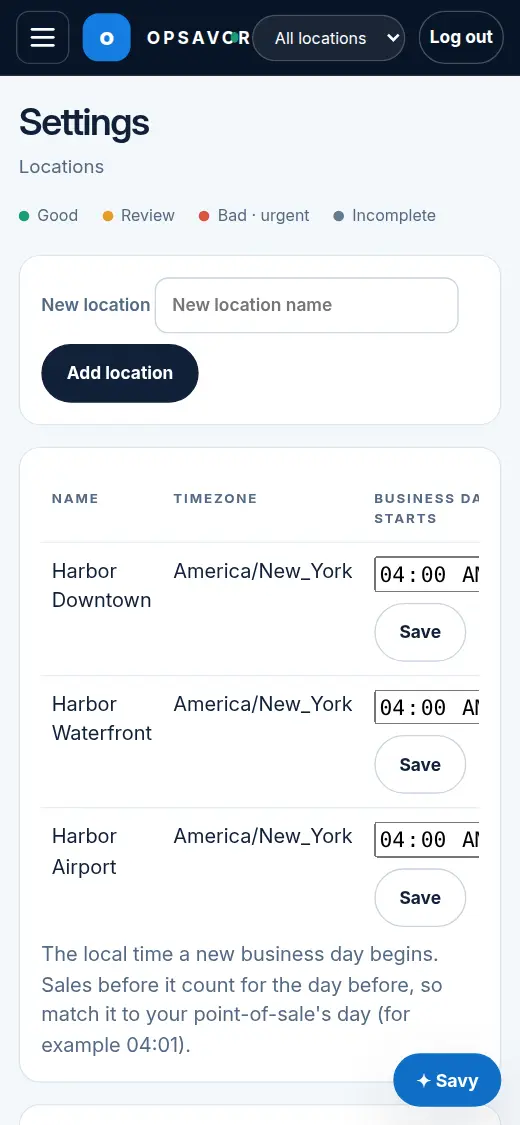
Settings lists your locations with their time zone and the time their business day starts. Add a location with New location, or change a name with Rename. If you have more than one, a location picker appears at the top of the menu and every page follows it.
When your business day starts
Sales before this time count for the day before, so a sale at 1 AM on Saturday is part of Friday. It is set to the minute: match it to your point-of-sale's day. If your point-of-sale's day runs from 4:01 AM to 4:00 AM, set 04:01, and a sale at exactly 4:00 AM stays on the night before, just as it does on your end-of-day report.
- Open Settings as an owner.
- Pick the time in that location's Business day starts box.
- Press Save. Every page and report for that location uses it from then on.
Each location has its own, so a group with stores in different time zones or with different closing times stays right. New locations start from your company's default (usually 04:00).
How long records are kept
Settings shows how long each kind of record is kept: books and source documents, payroll and time records, audit history, Savy conversations and plugin run logs. OPSAVOR sets the periods for your business, and every period meets the US federal minimum for that kind of record. This is a report, not a delete button: nothing is removed yet. If a legal hold applies, the page says so.
The invoice email address
Your address is shown on Add & Review and Inbound email. Copy puts it on your clipboard.
It has three parts:
invoices+yourname.3f9a…c21@inbound.opsavor.workyournameis your restaurant's short name, the same as in its web address.- The long string is a secret that stops other people guessing your address.
Rotating it
- Open Add & Review or Inbound email as an owner.
- Press Rotate address and confirm.
- Copy the new address and give it to your suppliers and staff.
The old address stops working at once, and mail sent to it is refused, so senders see it bounce instead of vanishing. Use this if the address was shared too widely, or if a supplier you no longer work with still has it.
A brand-new restaurant gets its address within a minute or two of being set up. If it still has not appeared after that, tell OPSAVOR support.