
Home › Using OPSAVOR
Your Inbox
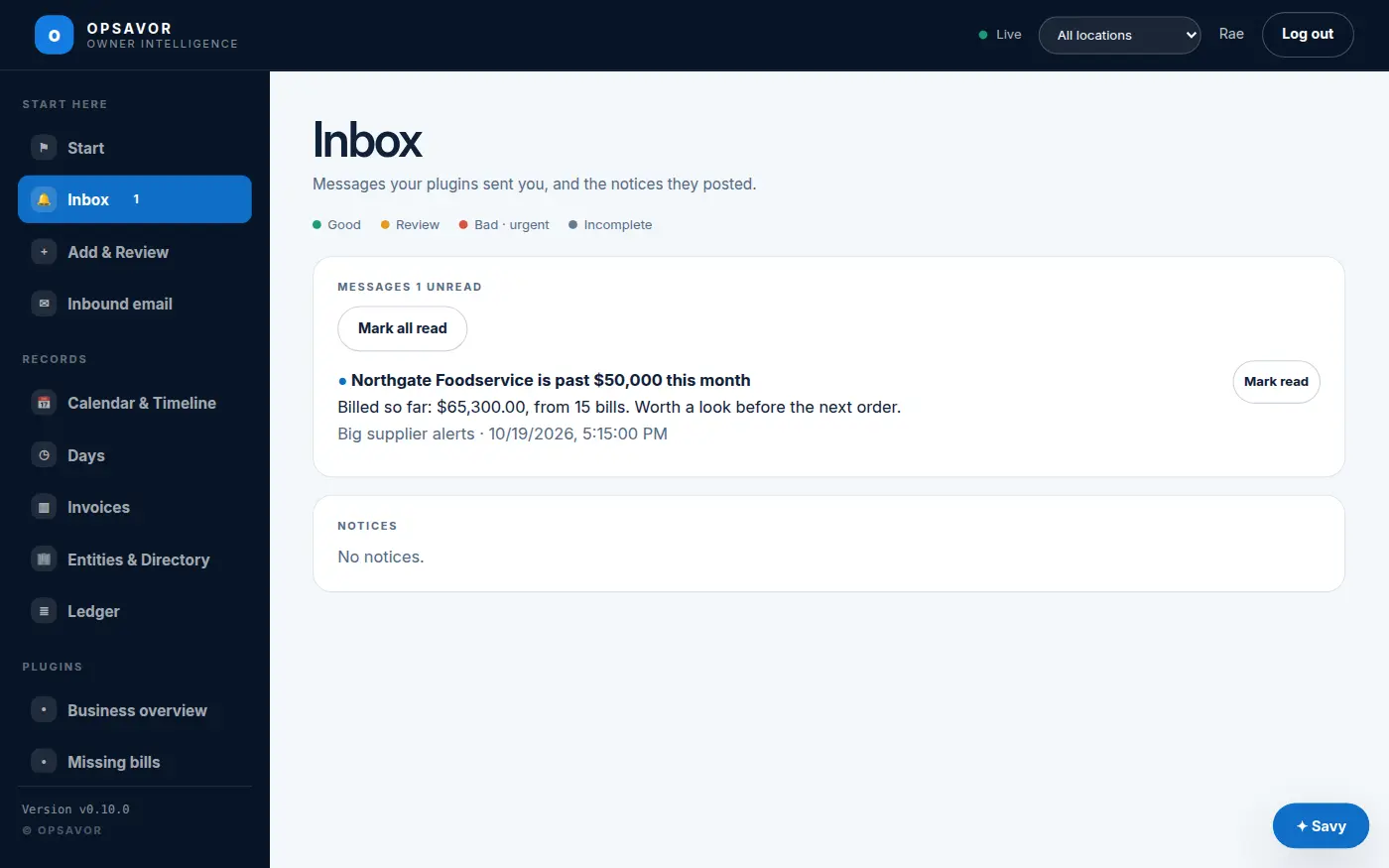
Messages your plugins send you, and the notices they post, in one place with an unread count.
Your Inbox is under Start here in the menu. A number next to it shows how many messages you have not read.
Needs platform v0.15.0.
What arrives
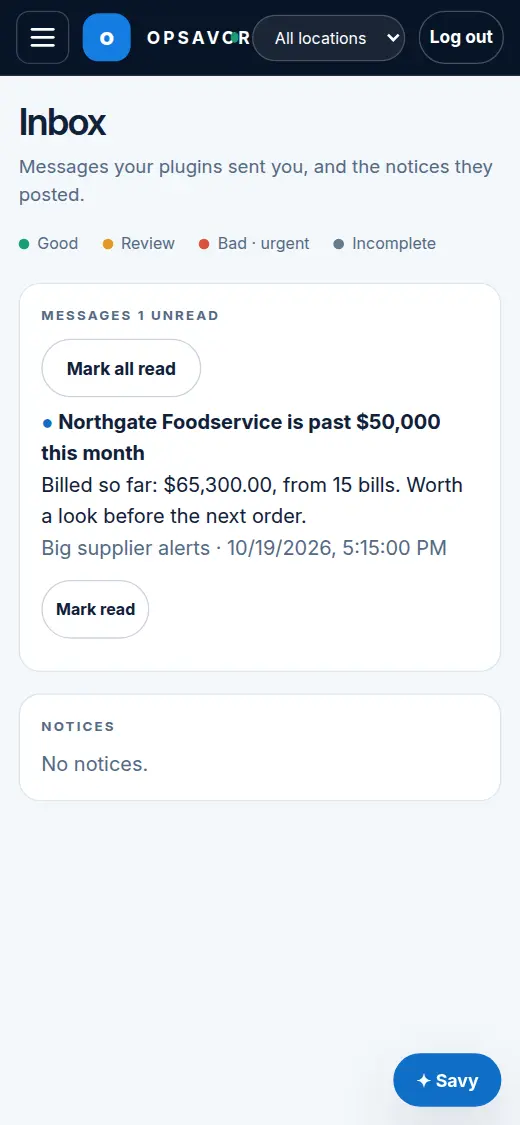
- Messages: sent to you by a plugin's flow, for example "Northgate Foodservice is past $50,000 this month". A flow messages people by role, so everyone with that role gets their own copy. If you work at one location, you only get the messages meant for it or for everyone.
- Notices: what your plugins post for everyone who can see your records, such as a bill that is late.
Reading
Opening the Inbox does not mark anything read. Press Mark read on a message, or Mark all read. Nobody else sees your messages.
Messages stay in OPSAVOR; nothing is sent by text or email.